
Access iCloud photos on PC: download, delete or recover
Backup iCloud photos
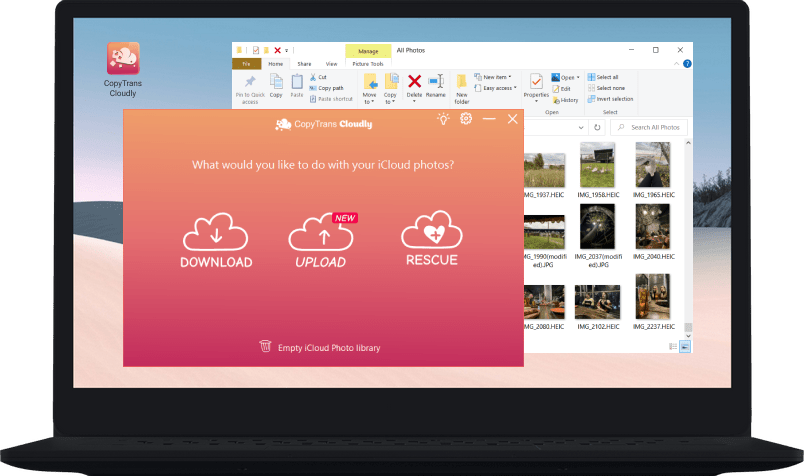
Download all your iCloud photos and videos at once to a selected folder on your PC, external hard drive or NAS. CopyTrans Cloudly preserves album structure of your iCloud Photo Library (Shared Albums and Shared Photo Library are not supported). The photos will be downloaded in folders just like you have them in iCloud. Super convenient!
Update your backup with recently added photos
Keep your iCloud photos backup up-to-date with the incremental backup feature. It allows you to download recently uploaded photos and videos from iCloud to computer in a matter of minutes – no need to download the whole iCloud Photo Library all over again.
Delete everything from iCloud Photo Library in one click
You can completely delete your iCloud Photo Library with just a few clicks. It’s a great opportunity to downgrade your iCloud storage plan and stop paying for it.
Restore permanently deleted iCloud photos
We can help you recover permanently deleted photos from iCloud if you accidentaly deleted them. After you permanently delete the photos from your iCloud, they are still present on Apple servers for some time. Try the “Rescue” feature in CopyTrans Cloudly to bring them back!
Upload photos and videos to iCloud
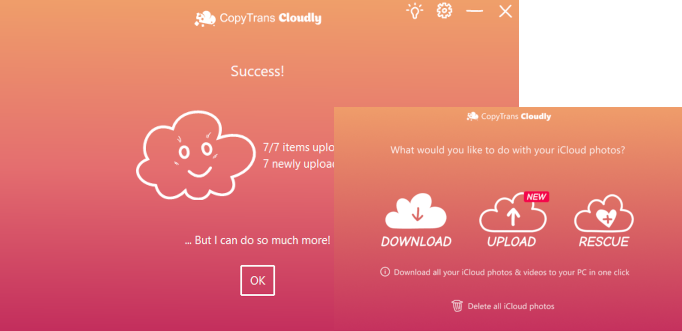
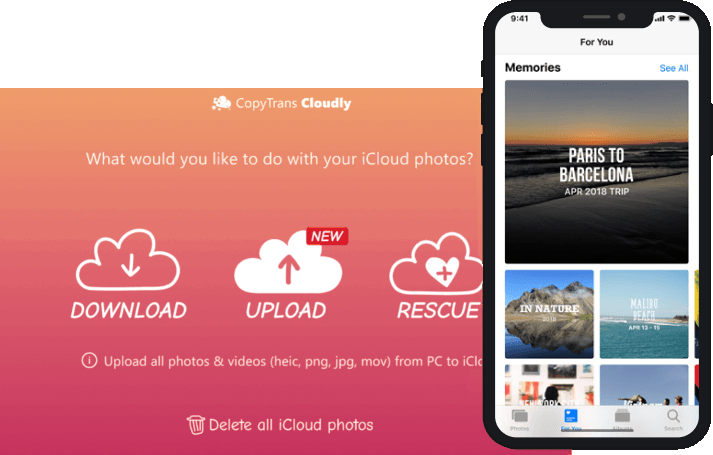
Easily upload images and videos to iCloud from PC and keep your photo library
up to date across all devices.
CopyTrans Cloudly supports JPG, HEIC, and PNG image formats.
The supported video formats are MOV, MP4, M4V.
CopyTrans Cloudly vs iCloud.com vs iCloud for Windows
| Features | CopyTrans Cloudly |
iCloud.com | iCloud for Windows |
|---|---|---|---|
| Download all photos at once | |||
| Preserve the album structure** | |||
| Download original photos | |||
| Download recently taken photos | |||
| Delete all photos at once | |||
| Recover permanently deleted photos | |||
| View and select photos to download | |||
| Mac version | |||
| Upload photos to iCloud |
**Shared Albums and Shared Photo Library are not supported
CopyTrans Cloudly features
Featured in
Here are some publications about us





Combines perfectly with: CopyTrans Backup Extractor
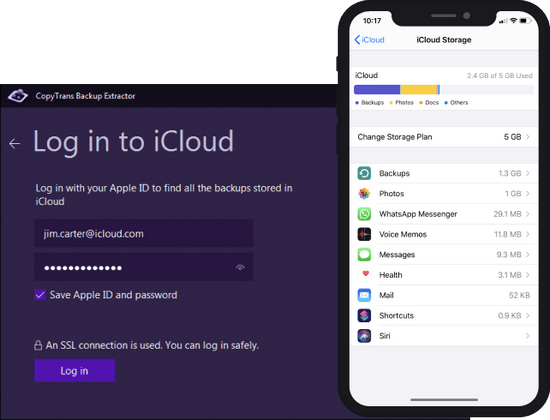
Combine CopyTrans Cloudly and CopyTrans Backup Extractor and become an ultimate master of your photos in iCloud! With CopyTrans Backup Extractor, you can find even more photos and videos that are stored in your iCloud backups and extract them to your PC.
What people say about
CopyTrans Cloudly:
Try CopyTrans Cloudly now!
DownloadSecure & always compatible
Safety and Security
CopyTrans Cloudly uses an SSL connection. We never save users’ Apple IDs or passwords (unless they ask for it). The program is free from ad-, spy- or malware.
Compatibility
CopyTrans Cloudly supports Windows 11, 10, 8.1, and 7.