Copy your iPhone photos to PC
and convert HEIC to JPG in 2 clicksNew
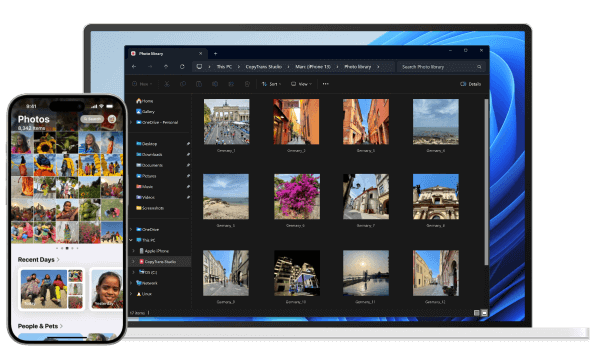
- Copy photos and videos from your iPhone to your PC with simple drag and drop
- Transfer your entire photo library in one click or automatically
- Convert HEIC files to JPG, PNG, or PDF with ease
- View HEIC files and play Live Photos on your PC
Download

⭐ Rated 4.5/5 — trusted by 250,000+ users
Perfect — exactly how Apple should have done it!
James C.
The efficient app to transfer photos and videos between iPhone, iPad and PC
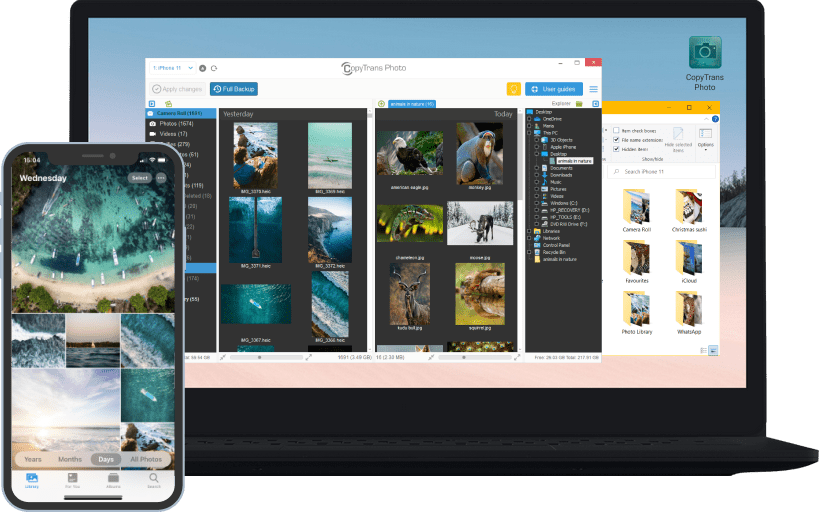
- Transfer iPhone and iPad photos and videos to PC
- Copy photos and videos from PC to iPhone and iPad
- Create and edit iPad photo albums
- Organize pictures and videos in iPad and iPhone photo albums
- Share your iPhone and iPad pics in PC slideshows
- Easily drag & drop iPhone pictures & videos
Transfer iPod to iTunes & PC
Copy iPhone to iTunes Library
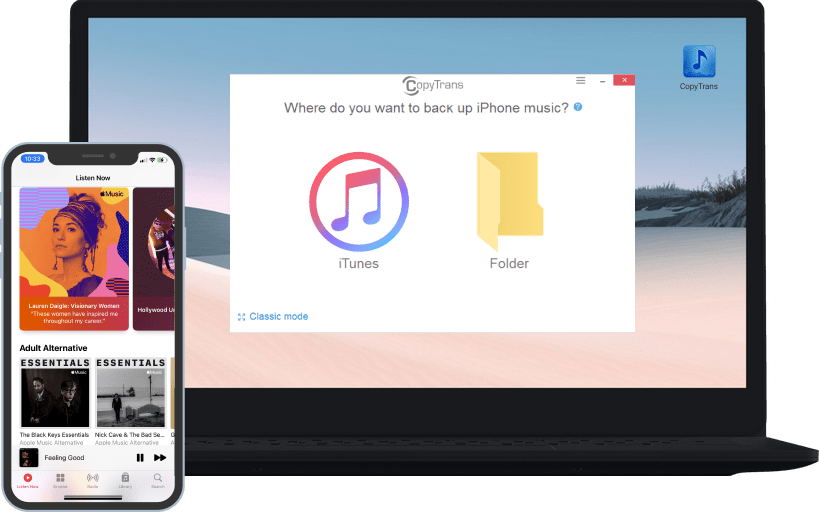
- Transfer iPhone, iPod Touch and iPod to PC
- Copy iPod artwork, playlists, ratings, play counts
- Import iPod videos, movies, TV shows to iTunes
- Back up iPhone songs, videos, artwork
- Transfer music from iPod to computer
- Restore iTunes library from iPhone, iPod or iPad
- Back up all iPods, iPod Touch, iPhone and iPad!
The All-in-One solution for iPhone contacts, calendars and more
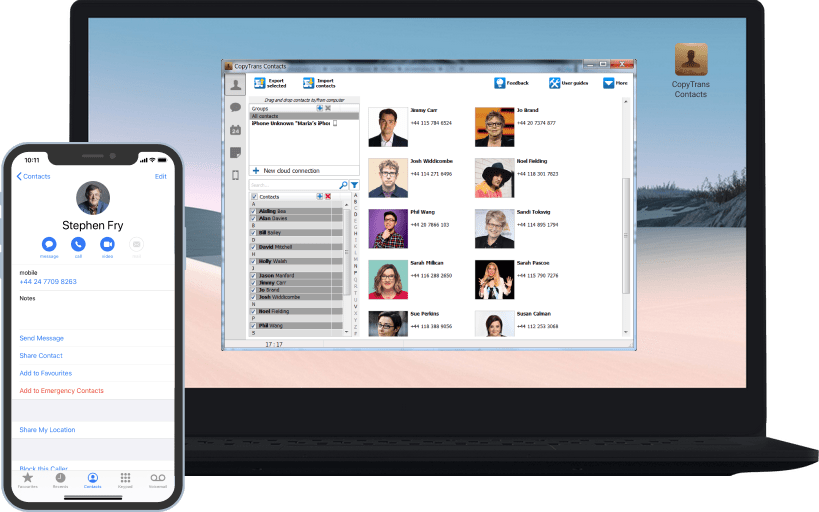
- Manage and save iPhone contacts
- Back up iPhone messages to PC
- Edit, export and import iPhone calendar
- Copy and manage iPod Touch notes from PC
- Organize and export iPhone bookmarks
- Transfer iPhone contacts to Outlook, Android etc.
- CopyTrans Contacts for iPhone, iPad and iPod Touch!
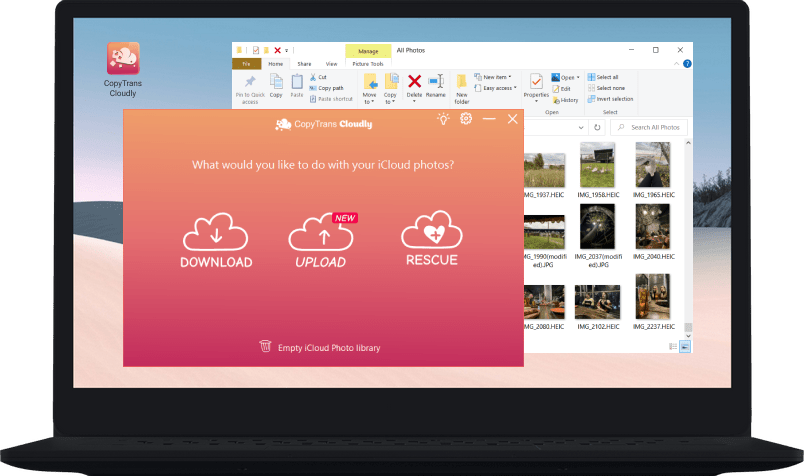
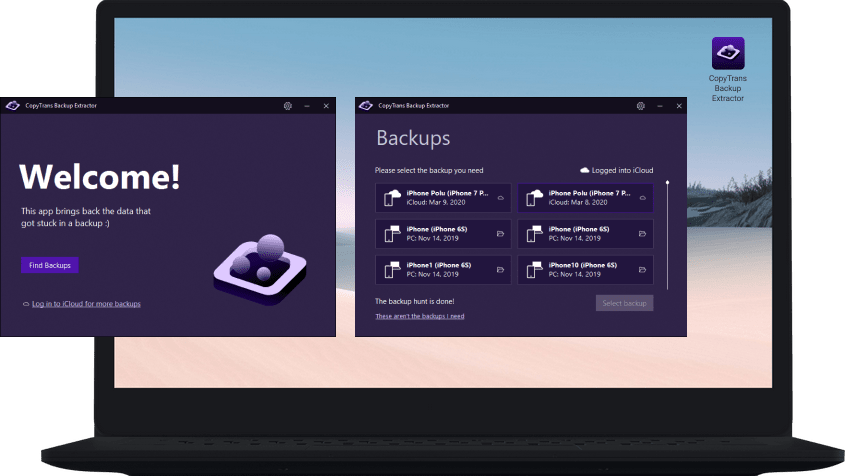
iCloud for Windows alternative
The free iTunes alternative for iPhone, iPad and iPod
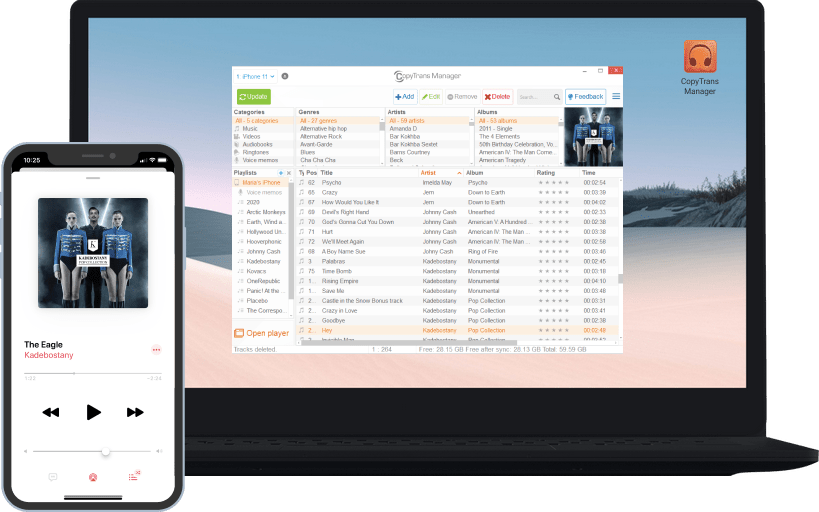
- Copy music, apps and more from PC to iPhone
- Create, edit and manage iPod playlists
- Delete iPhone songs, videos, apps, ringtones etc.
- Edit ID3 Tags like artist, ratings and many more
- Search and add missing iPhone album art
- Play iPad music and videos with the integrated player
- CopyTrans Manager for iPhone, iPad and iPod!
Backup and restore
iPhone without iTunes
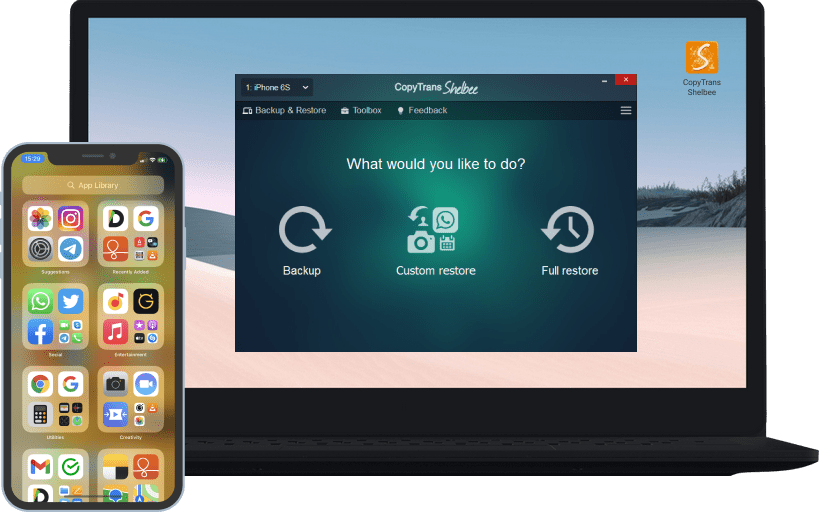
- Back up iPhone contacts, messages, apps, photos & settings
- Restore to any iPhone, iPad, and iPod Touch
- Custom restore: restore only the data you need (just messages, contacts, photos, etc.)
- Save to any drive (i.e. external hard disk, USB stick)
- iPhone backup and restore independent of iTunes
- Encrypt iPhone backups with a password
Use your iPhone as a USB
flash drive
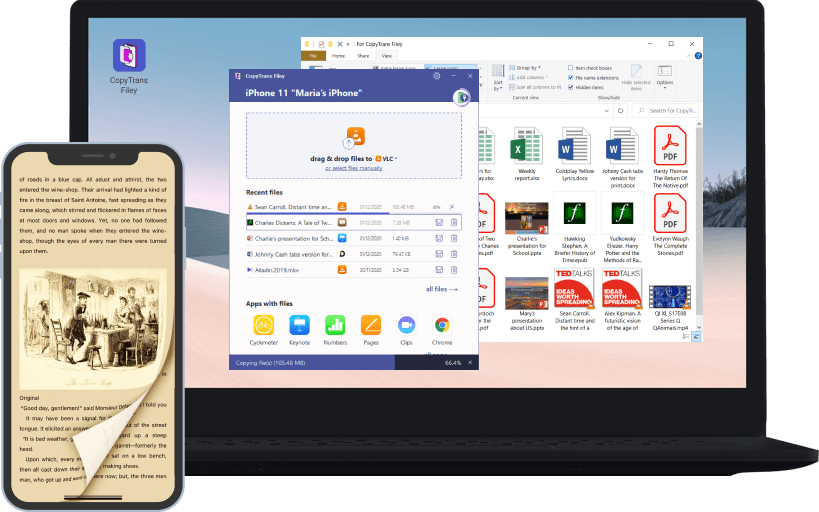
- Move files between iPhone and PC over Wi-Fi or cable
- Quickly add movies to iPhone or iPad to watch offline
- Copy work documents (Word, Excel, Powerpoint) and eBooks to device
- See all iPhone files in one place, sort them by size or date
- Delete largest or oldest files to free up space
- Open files stored in iOS apps from computer
The perks of using CopyTrans
Over 10 years of experience in breaching the gap between iPhone and Windows
Plug & Play
Download, install and off you go! Safe, fast and easy-to-use apps.
Easily back up your music
Get CopyTrans to copy music, videos and more back to iTunes.
One place for all contacts
Manage and save your contacts, calendars, notes etc on your PC.
Picture & video transfer
Copy pics and videos from and to iPhone & PC in 1-click only.
The free iTunes Alternative
No need to be a rocket scientist! Managing iDevices is that easy.
Full iTunes library backups
Get CopyTrans TuneSwift to fully back up your iTunes library.
213,134 people like CopyTrans on Facebook
Join thousands of CopyTrans fans and be part of the adventure!
Like CopyTrans on