
Manage iPhone contacts, calendars, messages, and notes
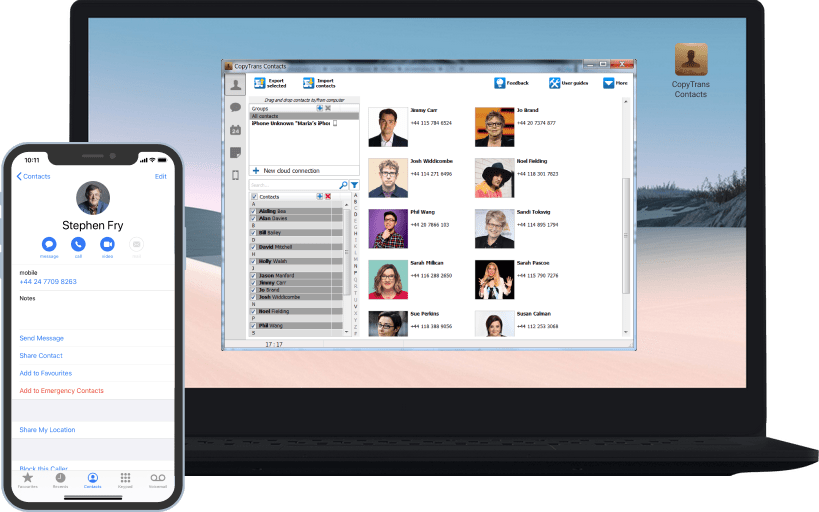
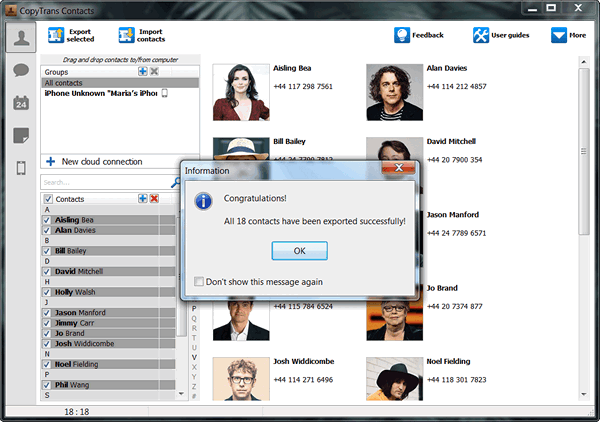
Manage iPhone contacts
Transfer contacts from iPhone to iPhone, Android, and BlackBerry, or save your iPhone contacts on PC. Transfer Outlook contacts to iPhone and back as well as Gmail, iCloud, Excel, Thunderbird, and Hotmail. Edit, group, and delete your iPhone contacts directly from your computer.
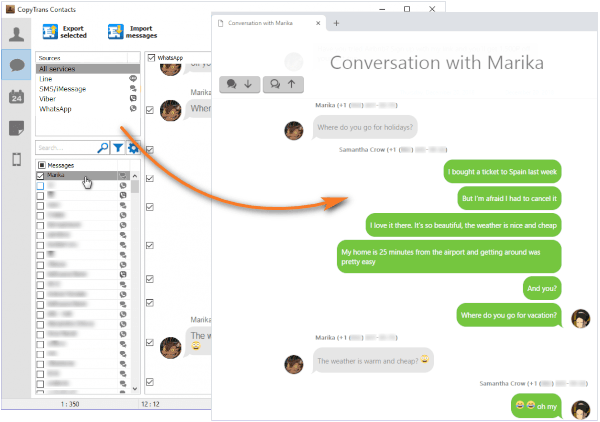
Back up and print iPhone messages
You can perform a SMS backup as well as back up iMessages, WhatsApp, Viber, and Line conversations to your computer in just a few clicks. CopyTrans Contacts also saves all attachments like photos, videos, GIFs, voice messages, and more.
You can export the messages in different formats like PDF, Word, Excel, Plain Text, CSV, or HTML. You can easily read, print, and share those conversations.
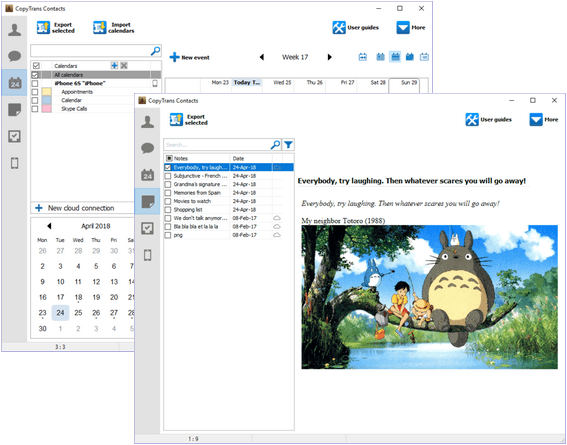
Manage iPhone calendars
View all your events on your PC screen and easily back up, transfer, add, edit, and remove calendars or events. Manage different cloud calendars, copy events directly from one cloud service to another, and transfer calendars and events to and from Outlook.
Back up iPhone notes
With CopyTrans Contacts, you can export all your iPhone and iCloud notes with all the attachments to your computer. Import or edit your Gmail or Yahoo notes with just a few clicks!
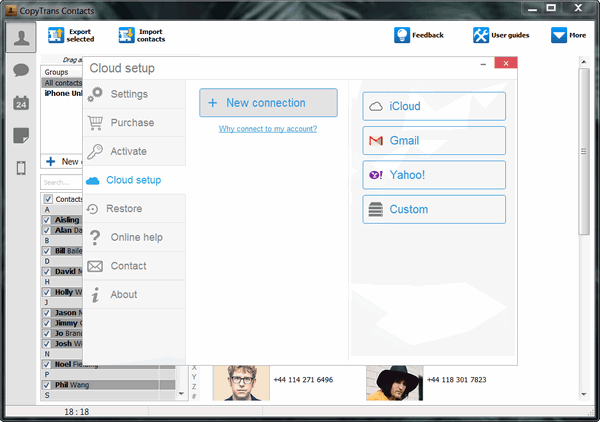
Connect iCloud, Gmail, and more
With CopyTrans Contacts, you have the choice to manage sensible iPhone data offline or connect to the cloud and enjoy managing different cloud services in one place.
* CopyTrans Contacts can’t connect to iCloud right now because Apple made new changes. We’re sorry, but we can’t say for sure when the fix will be released.
The restrictions only apply to data stored in iCloud – you can continue managing your iPhone and Gmail data as usual.
Featured in
Here are some publications about us




What people say about
CopyTrans Contacts:
Try CopyTrans Contacts now!
Manage your iPhone contacts, messages, notes and calendars with ease.
DownloadSecure & always compatible
Our program works with all iOS versions.
Safety and Security
CopyTrans Contacts is renowned as a secure and stable application that is, like all other CopyTrans programs, free from ads, spy- or malware.
Compatibility
CopyTrans Contacts supports all iPhone and iPad models and was designed for Windows 11, 10, 8.1, and 7.