

 (818 votes, average: 3.66 out of 5)
This article explains how to install the iOS drivers that are required for iPhone, iPod Touch and iPad to be recognized on Windows without installing iTunes. Missing drivers are the most common reason iPhones are not recognized by the computer.
This guide will also proves helpful for those who encounter the following issues:
Il existe une version française de cet article. Installer les pilotes iPhone et iPad sans iTunes.
Es gibt eine deutsche Version dieses Artikels. Wie installiere ich die iPhone, iPod und iPad Treiber ohne iTunes?.
この記事の日本語版があります。iTunesをインストールせずに、iPod Touch、iPhoneとiPadドライバのインストール
Install iPhone drivers
YouTube tutorial
iPhone driver for Windows 7/ 10/ 11
Step-by-step installation:
-
Download our free utility CopyTrans Drivers Installer that will automatically install the drivers for you.
-
Extract the program from the ZIP.
-
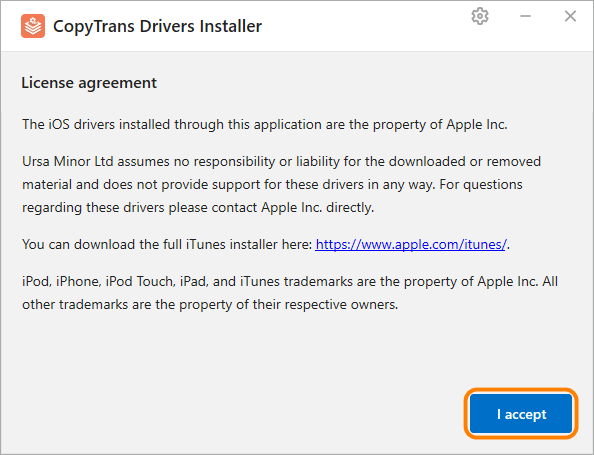
Run CopyTrans Drivers Installer. Read and accept the License agreement.
-
Uninstall iTunes and any other Apple software for CopyTrans Drivers Installer to download the drivers correctly.
NOTE: your iTunes library won’t be affected.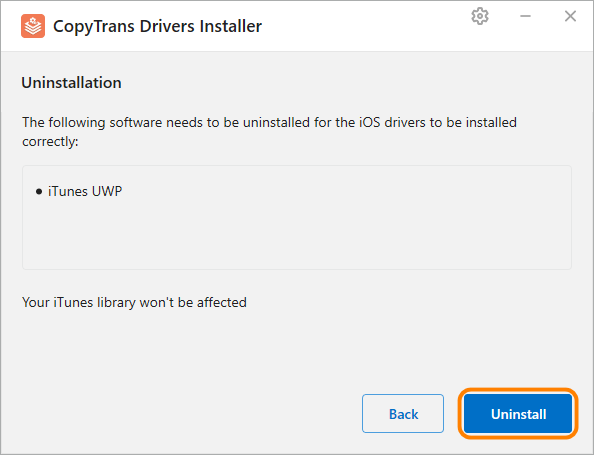
TIP: if you just want to uninstall iTunes, click “Back” or close the window.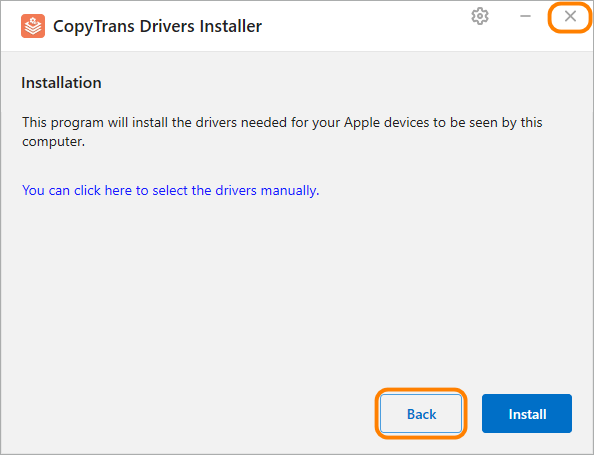
-
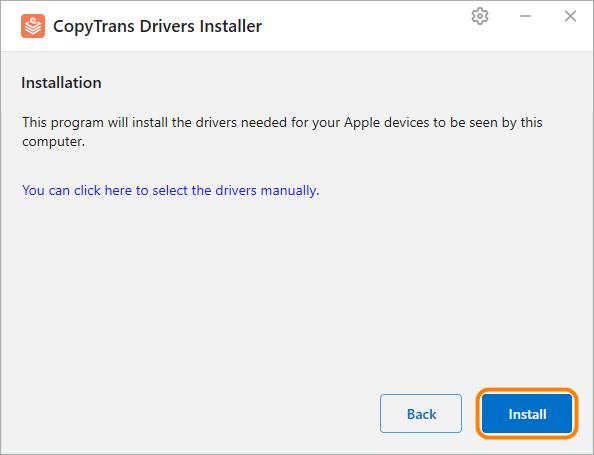
Start the installation by clicking “Install”.
-
CopyTrans Drivers Installer requires an Internet connection to download the drivers. Make sure you let the program through your firewall. If your Internet connection uses a proxy, you can configure proxy settings in CopyTrans Drivers Installer manually.
TIP: If you want to control the installation process, click “You can click here to select the drivers manually” instead.
-
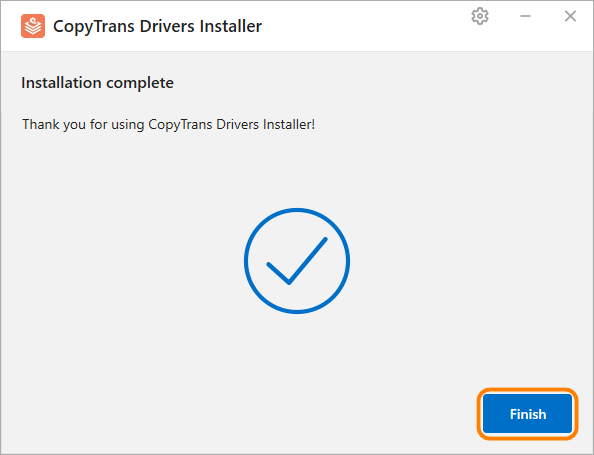
The installation of the drivers is complete. You can now use the CopyTrans products.
Troubleshooting
If you experience problems during the installation, please refer to these troubleshooting articles:
- How to fix MSI service encountered a fatal error when installing iOS drivers
- Apple Mobile Device Service failed to start. How to fix
- iTunes could not connect to this iPhone. The value is missing
- iTunes could not connect to this iPhone. You do not have permission
- CopyTrans Troubleshooting
- How to install any CopyTrans program on a USB flash drive?
