
Transfer photos from iPhone to computer and back
Is Apple Holding Your Photos Hostage?
Meet CopyTrans StudioNew
Our new app to Copy, Backup & Convert your iPhone photos
directly from Windows Explorer
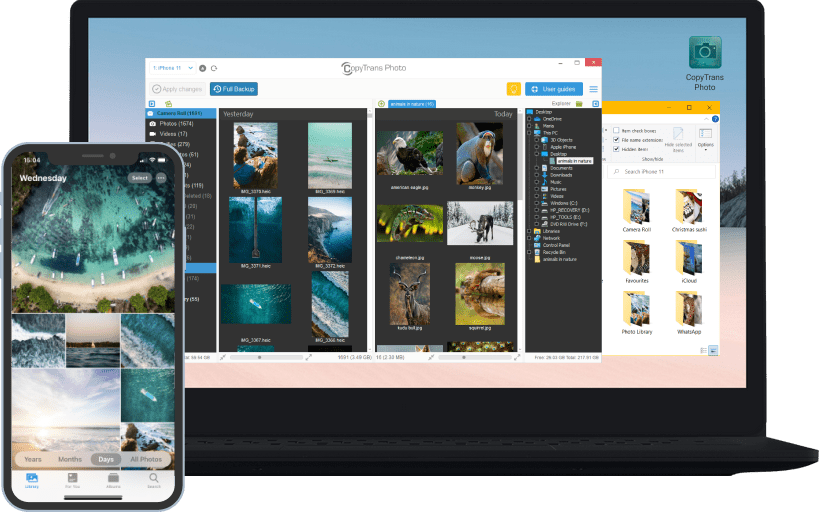
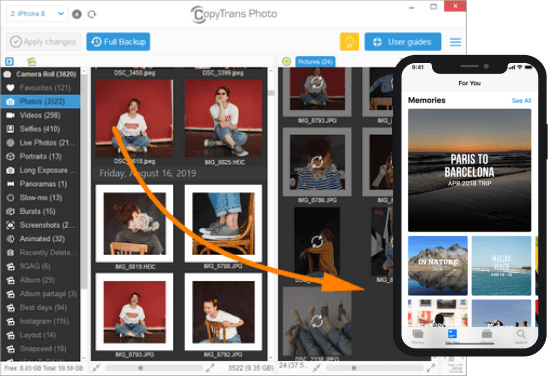
Transfer photos between iPhone and Windows
Transfer photos and videos from iPhone to a Windows computer and from PC to iPhone. An intuitive interface will allow you to see all the photos in one screen, preview them and transfer to iPhone or PC in a single drag-and-drop motion. Move a couple of photos over or export an entire album – it’s all up to you!
CopyTrans Photo will handle your photos, videos, live photos, bursts, portraits, time-lapse and panoramas, and also preserve geolocation stamps and date taken.
Convert HEIC to JPEG
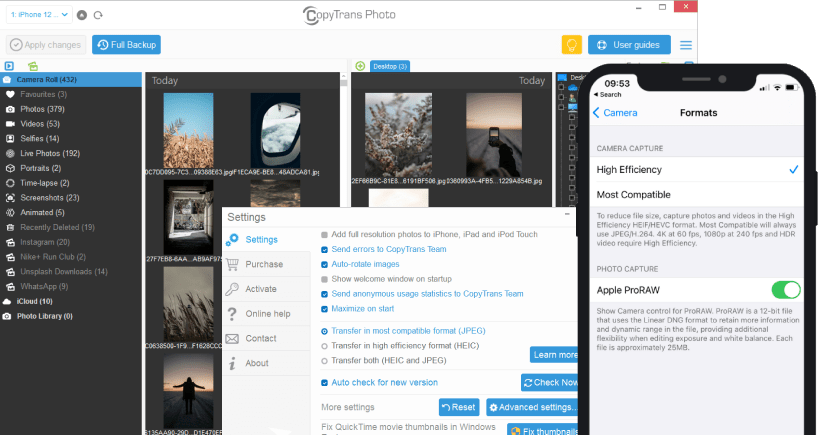
By default, iPhone takes your photos in HEIC – a highly efficient photo format.
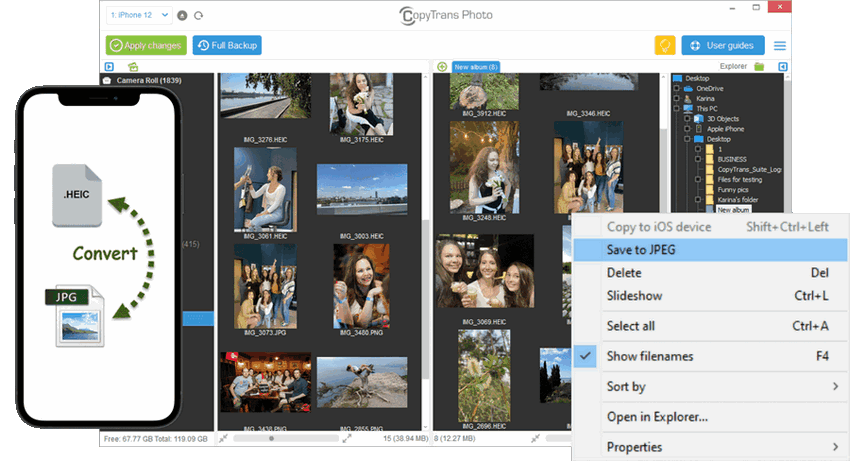
CopyTrans Photo knows its way around HEIC files and will allow you to save them in the original format or convert upon transfer.
If you have HEIC photos on your PC and would like to convert them to JPEG, leave it to CopyTrans Photo – it will be done with no hiccups.
Back up all iPhone photos in one click
Make an exact copy of your iPhone photo library on PC in one click. It will include all the images from Camera Roll, all the albums will be neatly placed in separate folders.
The date and location stamps will be preserved, and you can choose to convert HEIC photos to JPEG if you wish.
Download to the same folder to back up only the latest files.
Live photos support
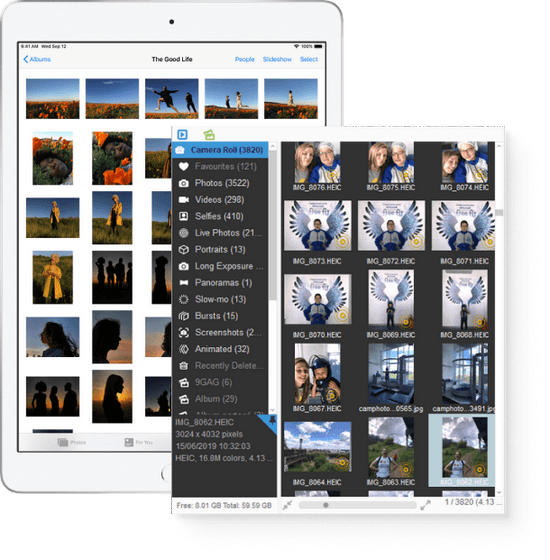
Did you know you could transfer live photos to a Windows PC and even back? Well, CopyTrans Photo makes it possible.
If you transfer a live photo to PC, the app will create two files, one image and one video. If you import these two files back to iPhone, they will become a live photo again!
Apple ProRAW support
Become a photographer with just your iPhone in a pocket.
Capture images in Apple ProRAW format and use CopyTrans Photo to transfer them to PC for further editing.
Featured in
Here are some publications about us






Add, delete or export iPhone albums
Shake off the frustration of trying to manage iPhone photos with iTunes.
Create, export or import iPhone albums to computer. Sort pictures and videos inside albums by name, size or date taken – become the true master of your iPhone library!
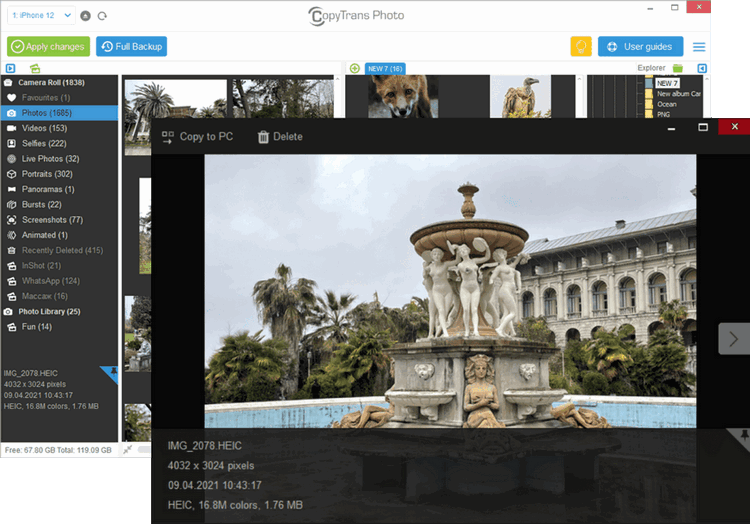
Preview and delete iPhone photos
If you’re planning to clean your iPhone photo library, look no further than CopyTrans Photo.
See all of your photos full-screen before deleting them, or just sweep through multiple icons picking out the images you no longer need.
What people say about
CopyTrans Photo:
Is Apple Holding Your Photos as Hostages?
Meet CopyTrans StudioNew
Our new app to Copy, Backup & Convert your iPhone photos
directly from Windows Explorer
Secure & always compatible
Our program works with all iOS versions.
Safety and Security
CopyTrans Photo is renowned as a secure and stable application. Like all other CopyTrans programs, it is free from ad-, spy- or malware.
Compatibility
CopyTrans Photo supports all iPhone and iPad models and was designed for Windows 11, 10, 8.1, and 7.